Bulk t-shirt mockup generator
Bulk mockup tools usually do one thing: stamp every design on every mockup. With 30 designs and 10 mockups that is 300 images, most of which you will never use, because not every design suits every shirt colour.
MatchMock does bulk differently. You still load the whole batch at once, but a table lets you say which design goes on which mockup. Click cells one by one, or press “Pair all” when you really do want everything.
The batch runs in your browser using several workers at once, with a progress bar. If one image fails, only that one is retried. Then the whole set downloads as one ZIP with predictable file names you can change.
Made with MatchMock
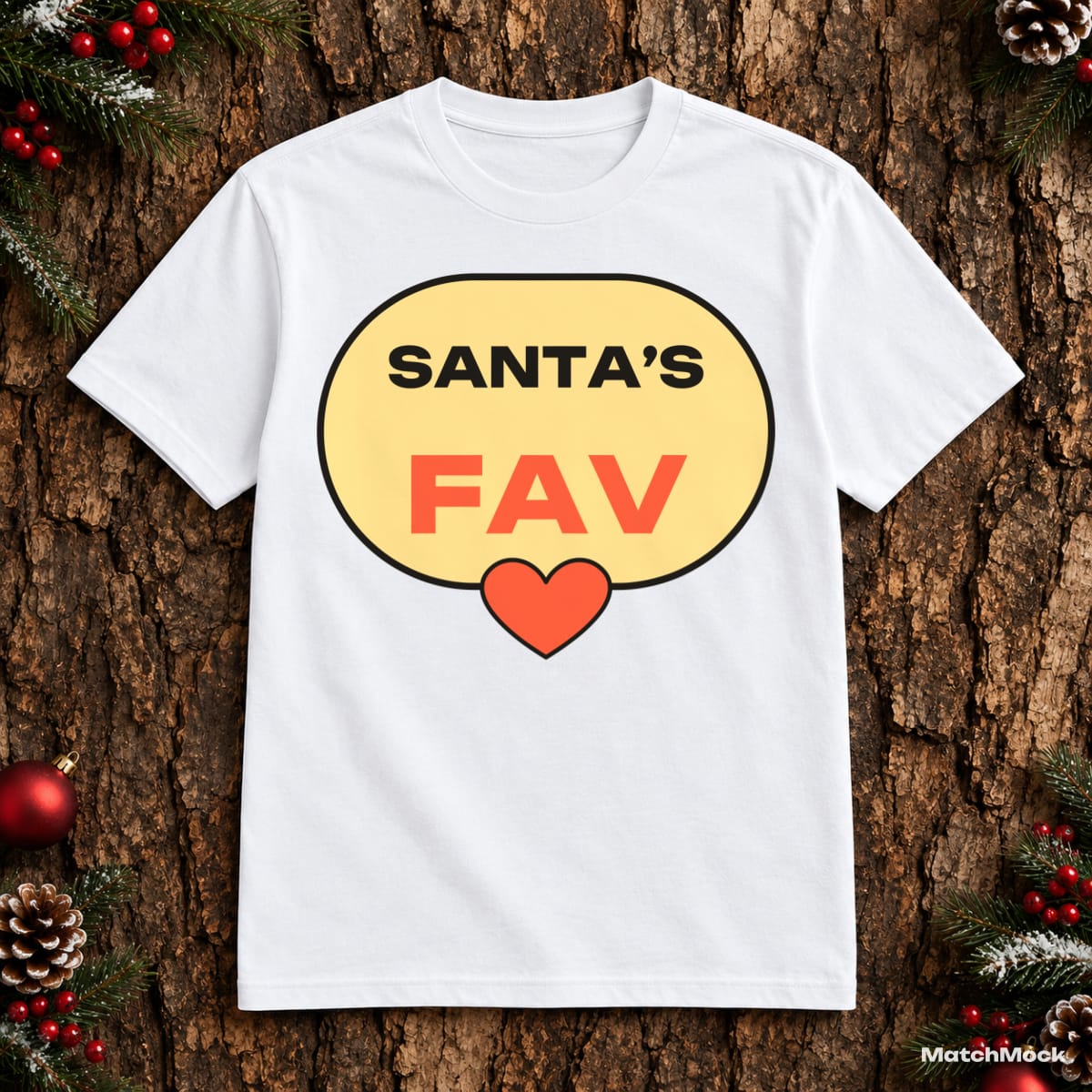
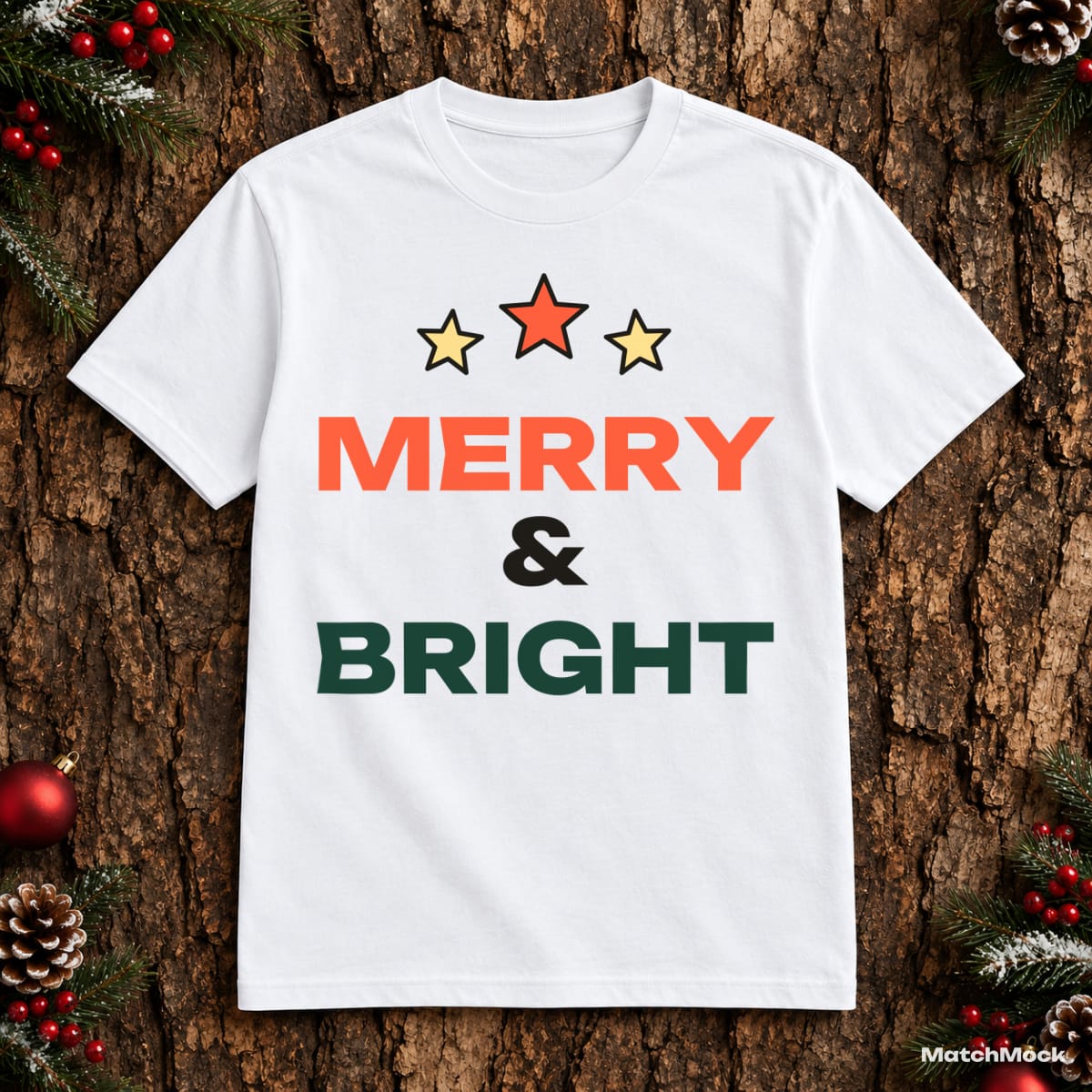
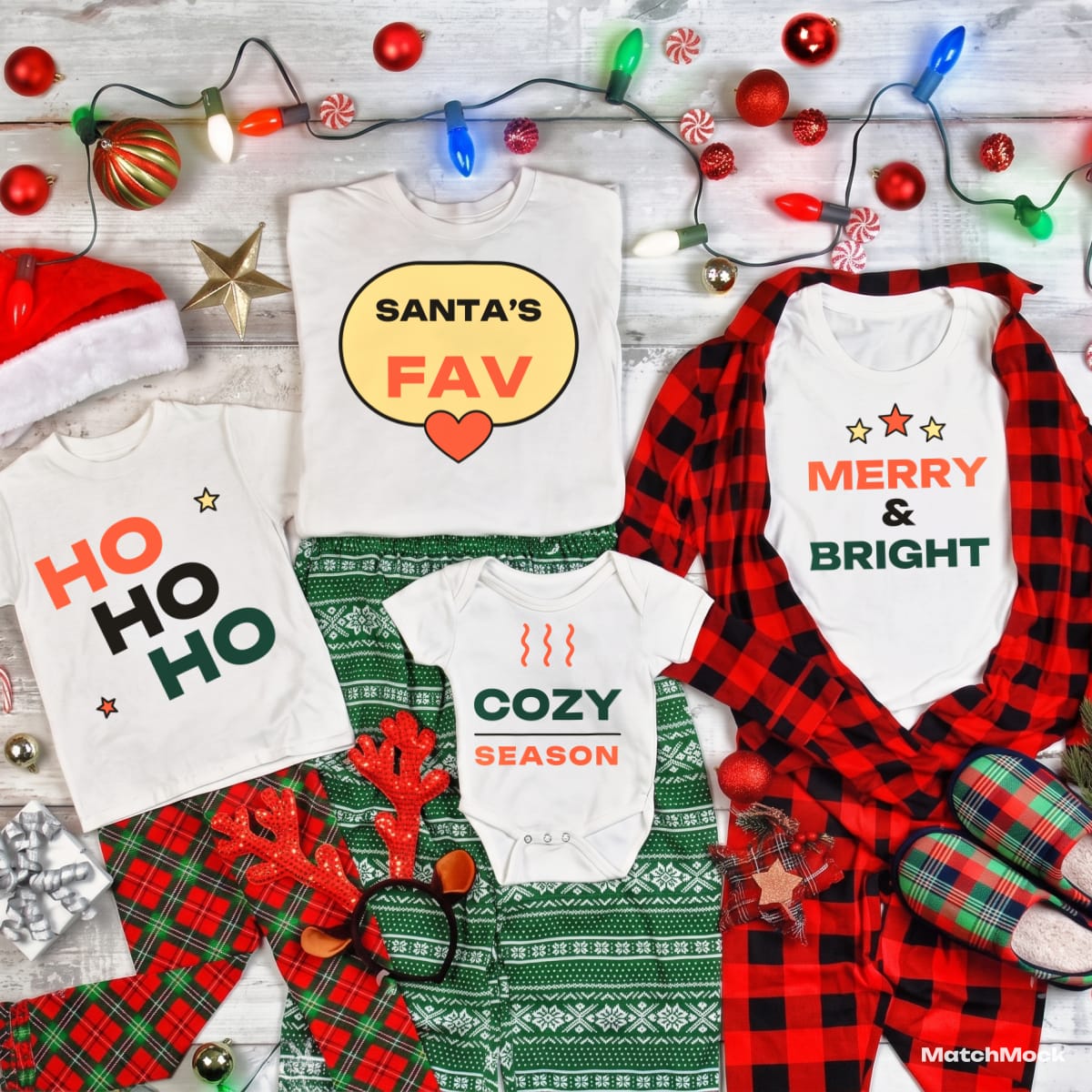
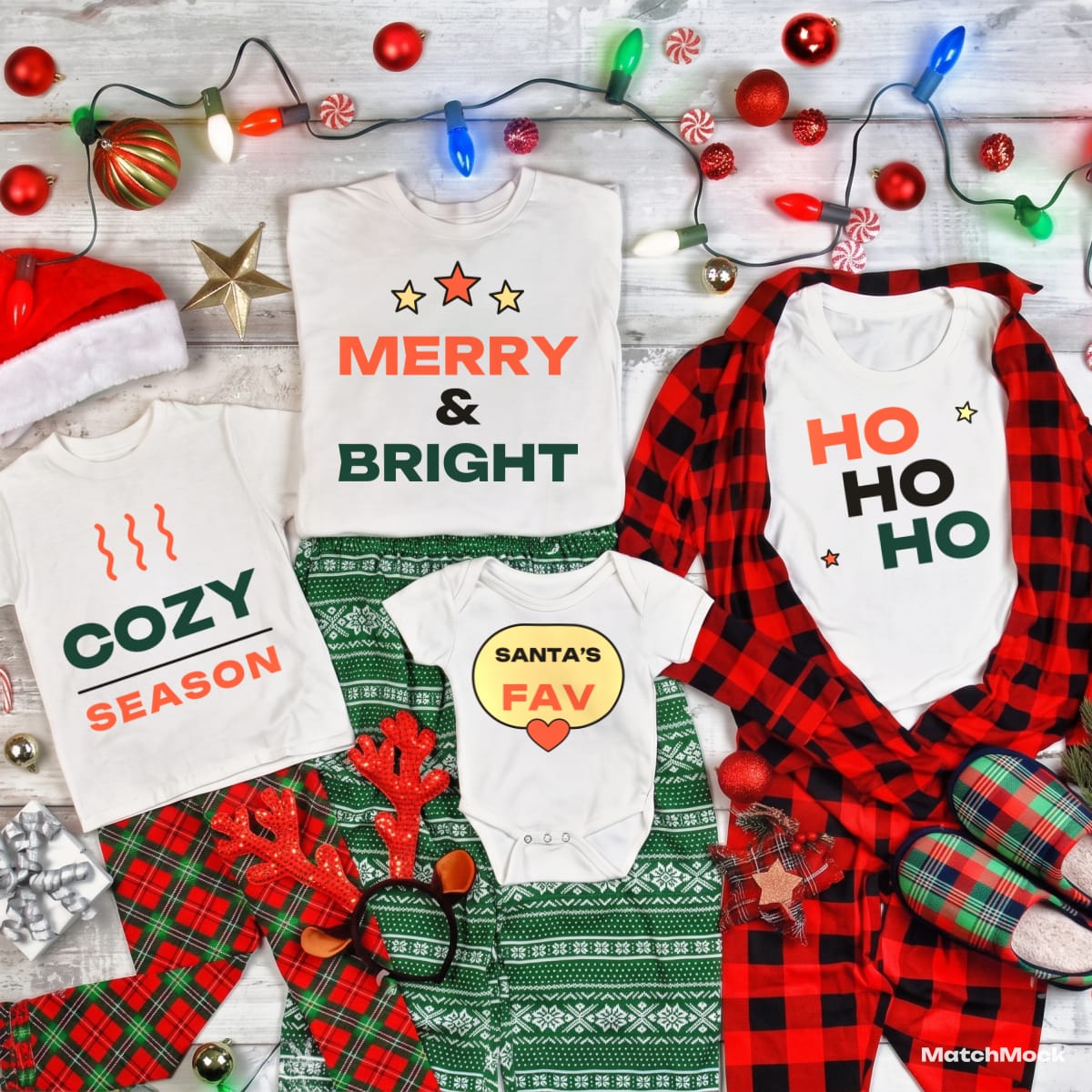
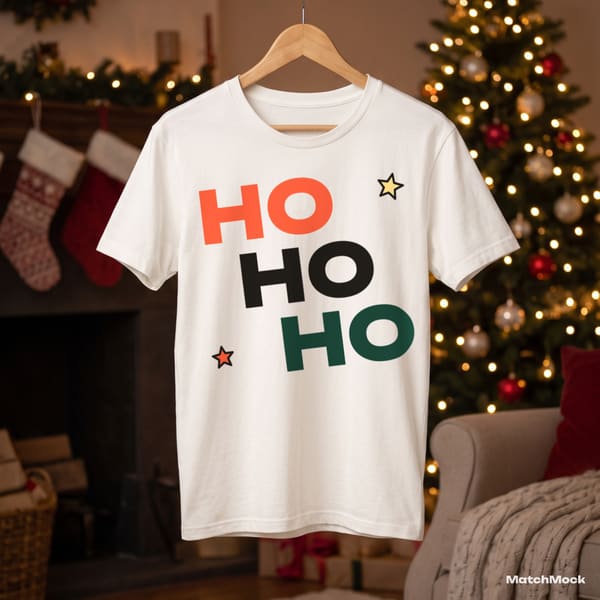
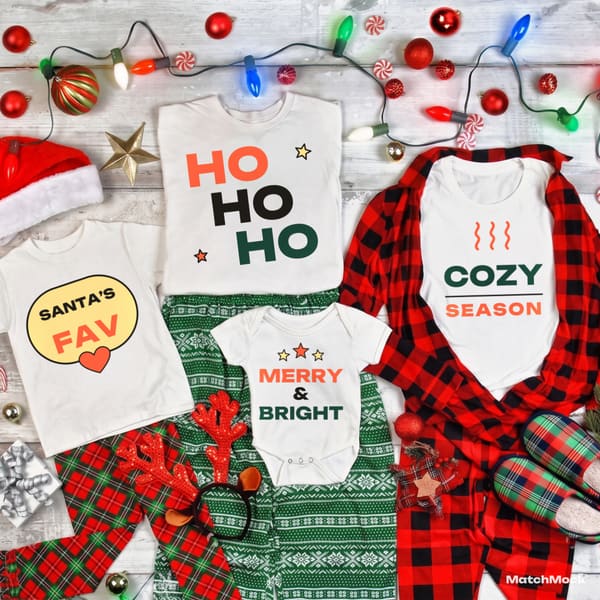
Real photos with our sample designs placed by the MatchMock engine, free-plan watermark included. Tap one to see it at full size.
Try it, no sign-up
Runs in your browser. Your file never leaves your device.
No design handy? Try one of ours:
How to do it, step by step
Upload the whole batch
Drop a folder’s worth of PNGs or a single ZIP. Low-resolution files are flagged before you start.
Load a saved mockup set
Pick mockups by hand or load a mockup set you saved earlier, so every collection uses the same photos in one click.
Match in the table
Designs are columns, mockups are rows. Click cells to pair them, or use “Pair all” and untick the few pairs that don’t work.
Run the batch
MatchMock renders in parallel in your browser and shows progress. Failed images are retried on their own.
Download one ZIP
Files are named project_design_mockup.jpg by default, and you can change the pattern before downloading.
Questions
How many designs can I export at once?
The free plan exports up to 5 designs at once. Pro has no batch limit and no monthly image limit.
Does it make every design on every mockup?
Only if you ask it to. You tick the pairs you want; “Pair all” is one button away when you need the full grid.
Where are the images rendered?
In your browser, on your own device. That keeps the preview and the download identical, and there is no server queue to wait for.
What counts towards the free monthly limit?
Each new image you download counts once, up to 20 a month. Previews, downloading the same image again and colour charts don’t count.
Can I rename the files?
Yes. Change the file name pattern before you download; family and trio sets are named project_mockup_set-N.jpg.
Related mockup pages

Make your first set free
20 images a month on the free plan. No card needed.
Start free →