Christmas shirt mockup generator
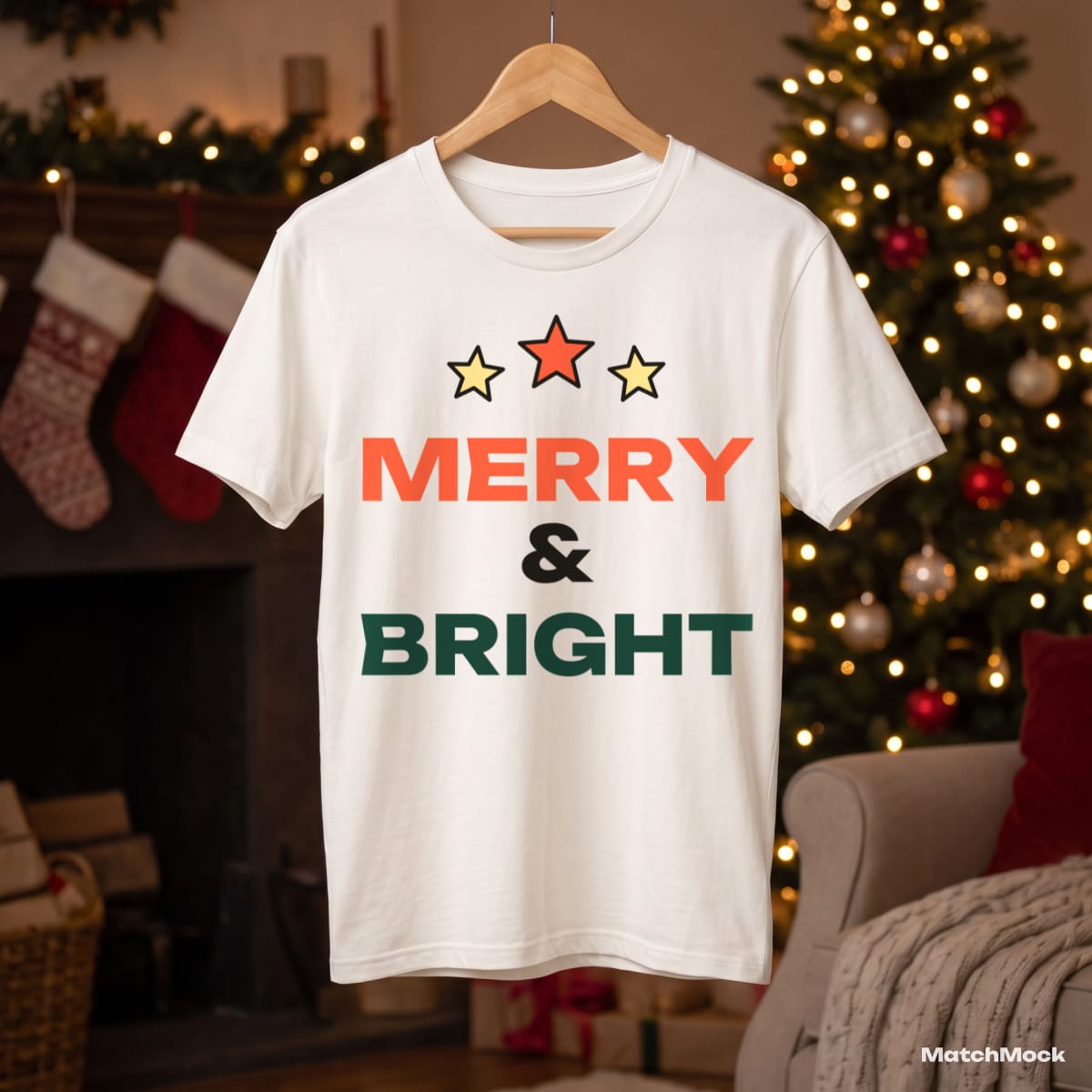
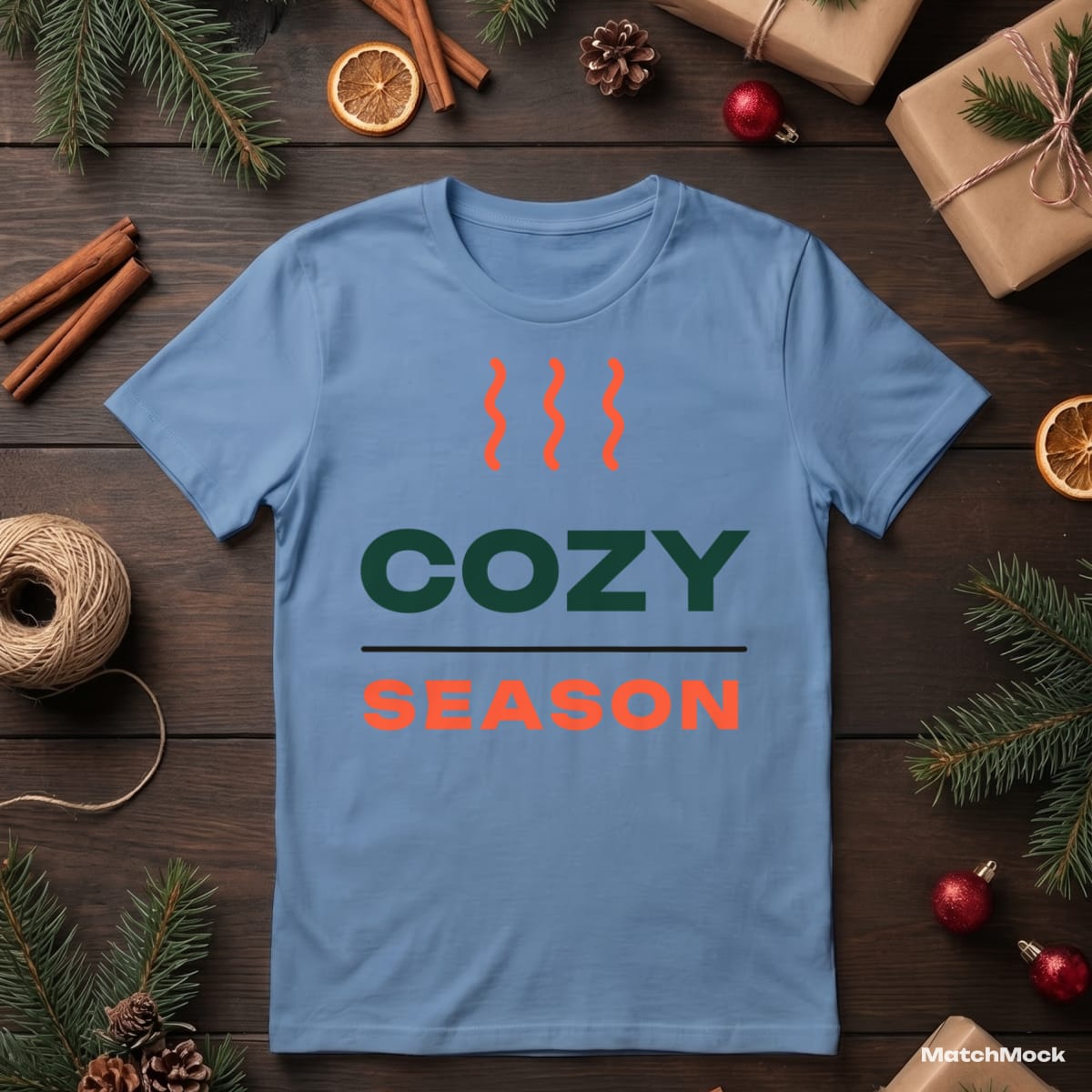
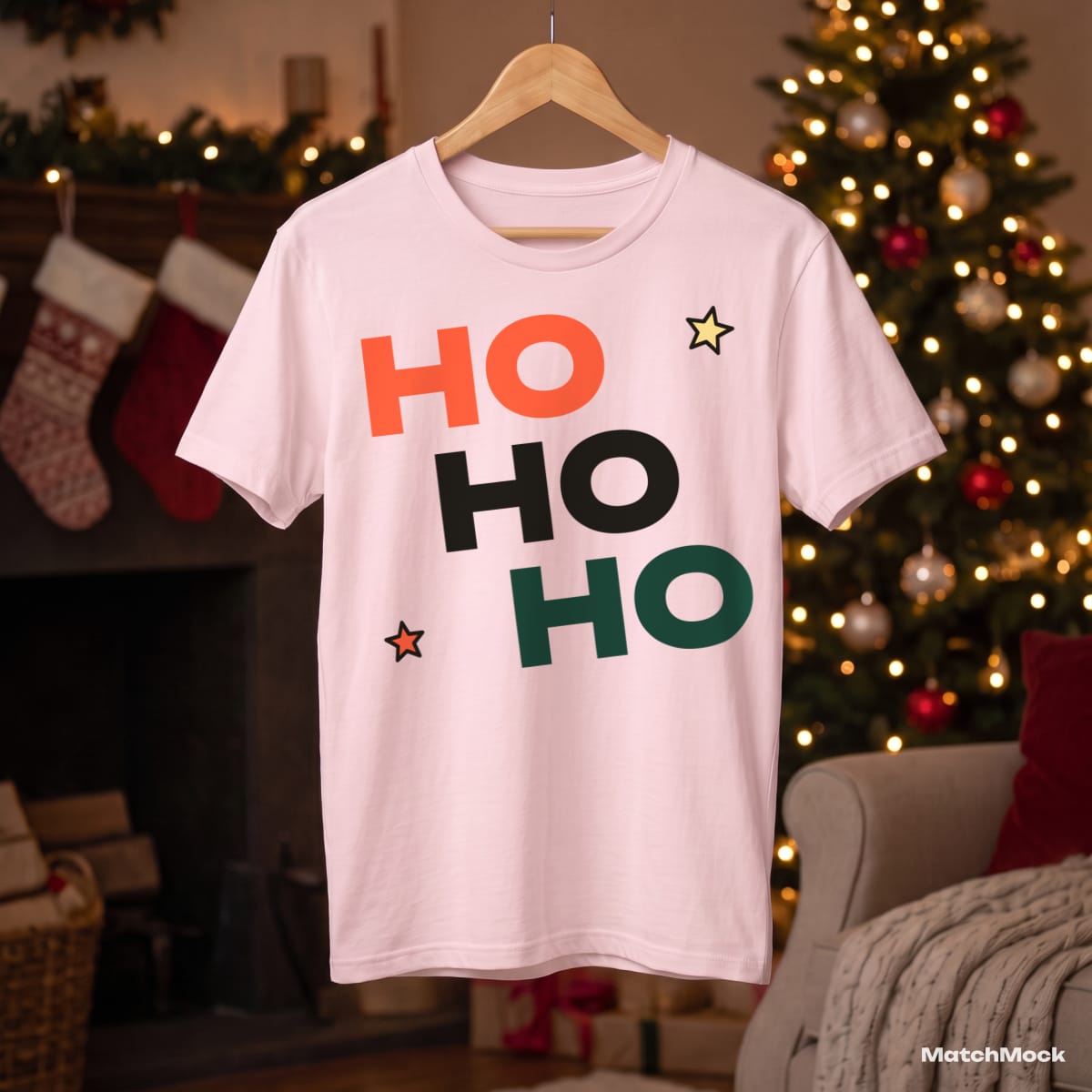
A Christmas listing sells on its first photo. The shirt has to sit in a scene that already feels like December: pine branches, wrapped gifts, fairy lights, a tree in the background. Every mockup below is a real photo of that kind, with one of our sample designs placed on the print area.
MatchMock is built for the week before your holiday drop, when you have a folder of new designs and a folder of Christmas scenes. Upload the designs, pick the scenes, and tick which design goes on which shirt. Santa slogans can go on the red tee, the cosy line art on the light blue one. Each tick becomes one image.
Your artwork is placed exactly as you drew it and follows the folds of the fabric. Nothing is redrawn or "improved" by AI, so the shirt a buyer sees is the shirt you will print.
Made with MatchMock
Real photos with our sample designs placed by the MatchMock engine, free-plan watermark included. Tap one to see it at full size.

Try it, no sign-up
Runs in your browser. Your file never leaves your device.
No design handy? Try one of ours:
How to do it, step by step
Upload your Christmas designs
Drop your PNG files, or one ZIP with all of them. Transparent backgrounds look best on coloured shirts; MatchMock warns you if a file is too small to print sharply.
Pick your Christmas scenes
Filter the library by product, shot and season, then tick the flat lays and hanger shots you want. Save the picks as a mockup set to reuse them for next year’s drop.
Match designs to shirts
In the matching table each row is a mockup and each column a design. Click a cell to pair them, or use “Pair all” to put every design on every scene.
Check the large preview
Open any pair in the large preview and drag or resize the design if it should sit higher or smaller. The preview and the download come from the same code, so what you see is what you get.
Download the set as one ZIP
MatchMock renders the images in your browser and packs them into a single ZIP, each file named after the project, the design and the mockup.
Questions
Is the Christmas shirt mockup generator free?
The free plan costs $0 and needs no card: 20 images a month, up to 1500 px, with a small watermark and up to 5 designs per batch.
Can I put a different design on each Christmas shirt?
Yes. That is what the matching table is for: you decide pair by pair which design goes on which mockup, instead of one design being stamped on everything.
Do I need Photoshop or smart objects?
No. Everything runs in the browser on your computer or phone. There are no PSD files to open and no layers to edit.
When should I make my Christmas mockups?
As soon as your designs are final. MatchMock does a full set in one sitting, so the mockups are never the reason a holiday listing goes live late.
Will the watermark be on my listing photos?
On the free plan, yes: a small MatchMock mark in the corner. Pro is $10 a month, or $72 a year ($6 a month): unlimited images, up to 3000 px including 4:5, no watermark and no batch limit.
Related mockup pages


Make your first set free
20 images a month on the free plan. No card needed.
Start free →