Dark t-shirt mockups
Black, navy and maroon shirts are where a design either pops or disappears. Dark ink that looks crisp on white turns into a shadow on a black tee, and a buyer will only find out when the parcel arrives, unless your listing photos show it first.
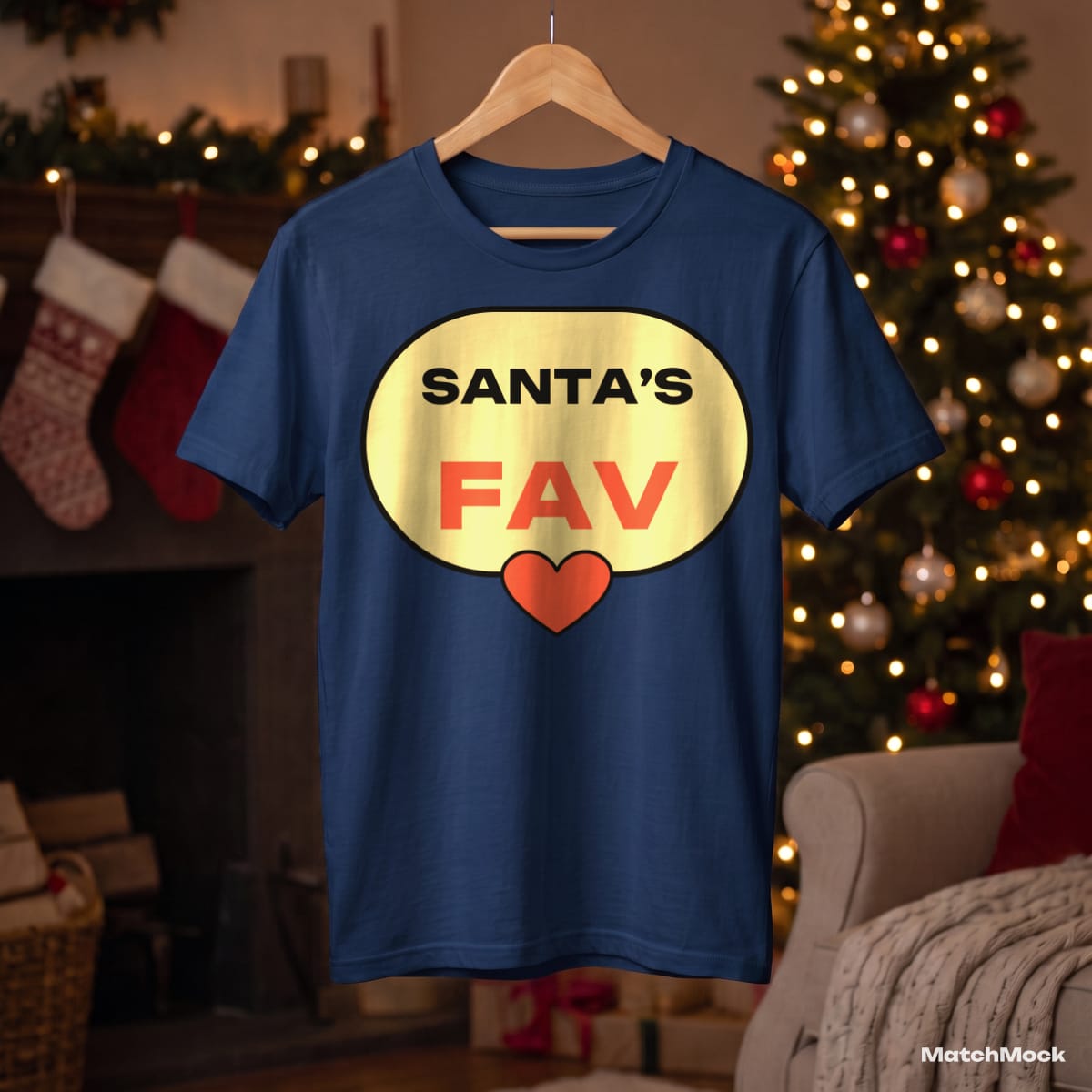
This page shows one light, high-contrast badge design on black, navy and maroon shirts, both laid flat and on a hanger. It is the kind of check worth doing before every dark-colour listing: put the design on the real shirt colour and look.
MatchMock lets you keep a second, light-ink version of a design for dark garments. You upload that version yourself (we never invert your colours automatically) and match it to the dark mockups, while the original goes on the light ones.
Made with MatchMock
Real photos with our sample designs placed by the MatchMock engine, free-plan watermark included. Tap one to see it at full size.




Try it, no sign-up
Runs in your browser. Your file never leaves your device.
No design handy? Try one of ours:
How to do it, step by step
Upload both versions of your design
Add the normal design and, if you have one, a light-ink version made for dark fabric. Name them clearly so you can tell them apart in the table.
Pick the dark shirts
Choose black, navy, maroon and green mockups. Where the same photo exists in several colours, the colour variants screen lists them together.
Send each version to the right shirts
In the matching table, tick the light-ink file for the dark rows and the original for the light rows. Nothing forces one design onto every mockup.
Compare them side by side
Open the large preview and step through the dark shirts. If a thin line or small text vanishes, you see it now rather than in a review.
Download and list
Download the ZIP and use the dark mockups next to the light ones, so buyers can see how each colour really looks.
Questions
Why does my design look dull on a black shirt mockup?
Dark ink has almost no contrast against dark fabric. Most sellers make a light-ink version of the design for dark shirts; MatchMock lets you match that version to the dark mockups only.
Does MatchMock invert my design for dark shirts?
No. Automatic inversion tends to ruin colours and outlines, so we leave the artwork alone. You upload the light version you want buyers to see.
Which dark colours are on this page?
Black and navy, both flat lay and on a hanger, and maroon laid flat. Each image is a real photo of that shirt colour, not a tinted copy.
Can I see a colour chart of all my shirt colours?
Yes. The colour variants screen makes a colour chart image for your listing, and that chart does not count towards your monthly images.
How many dark mockups can I make for free?
The free plan costs $0 and needs no card: 20 images a month, up to 1500 px, with a small watermark and up to 5 designs per batch.
Related mockup pages

Make your first set free
20 images a month on the free plan. No card needed.
Start free →