Hanging t-shirt mockups
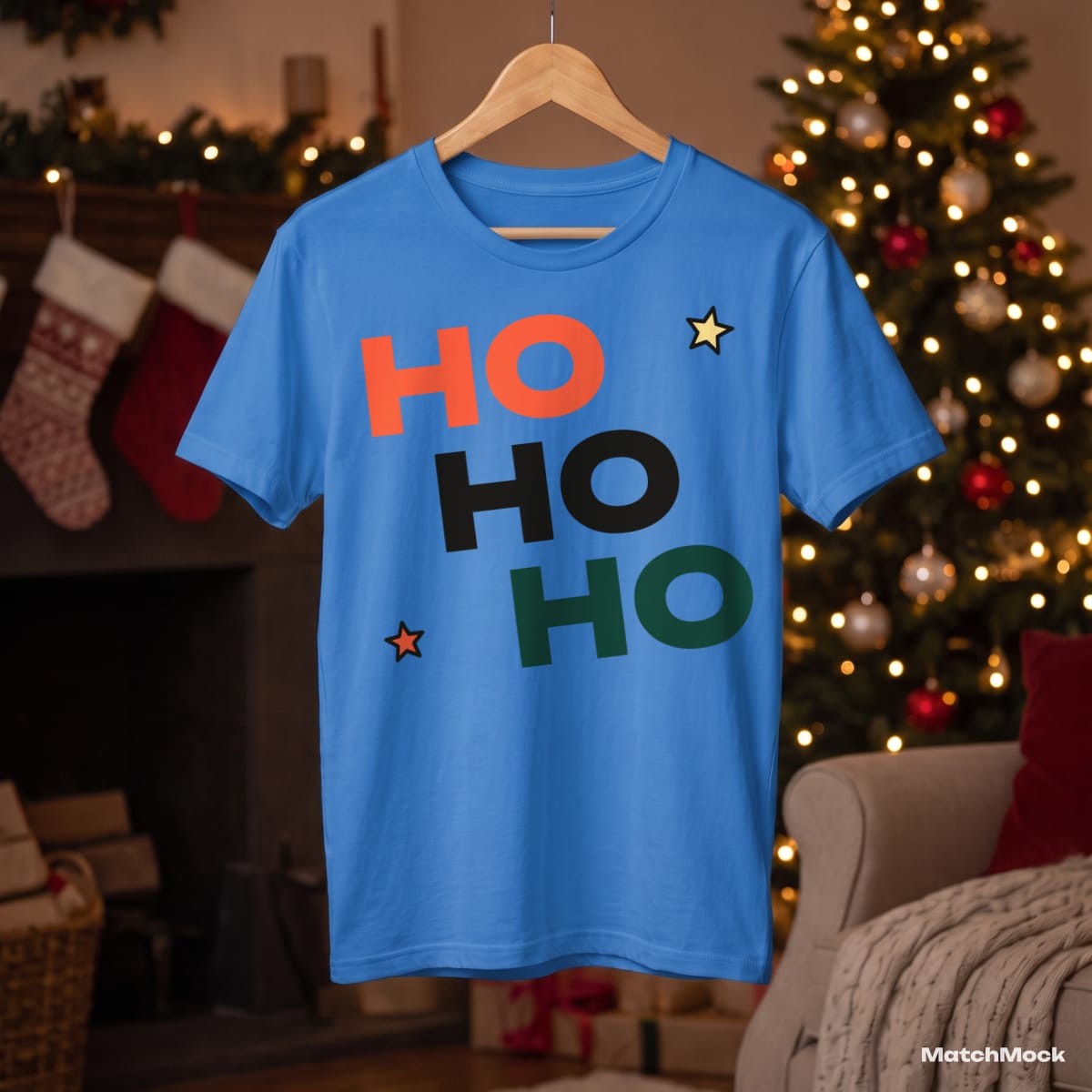
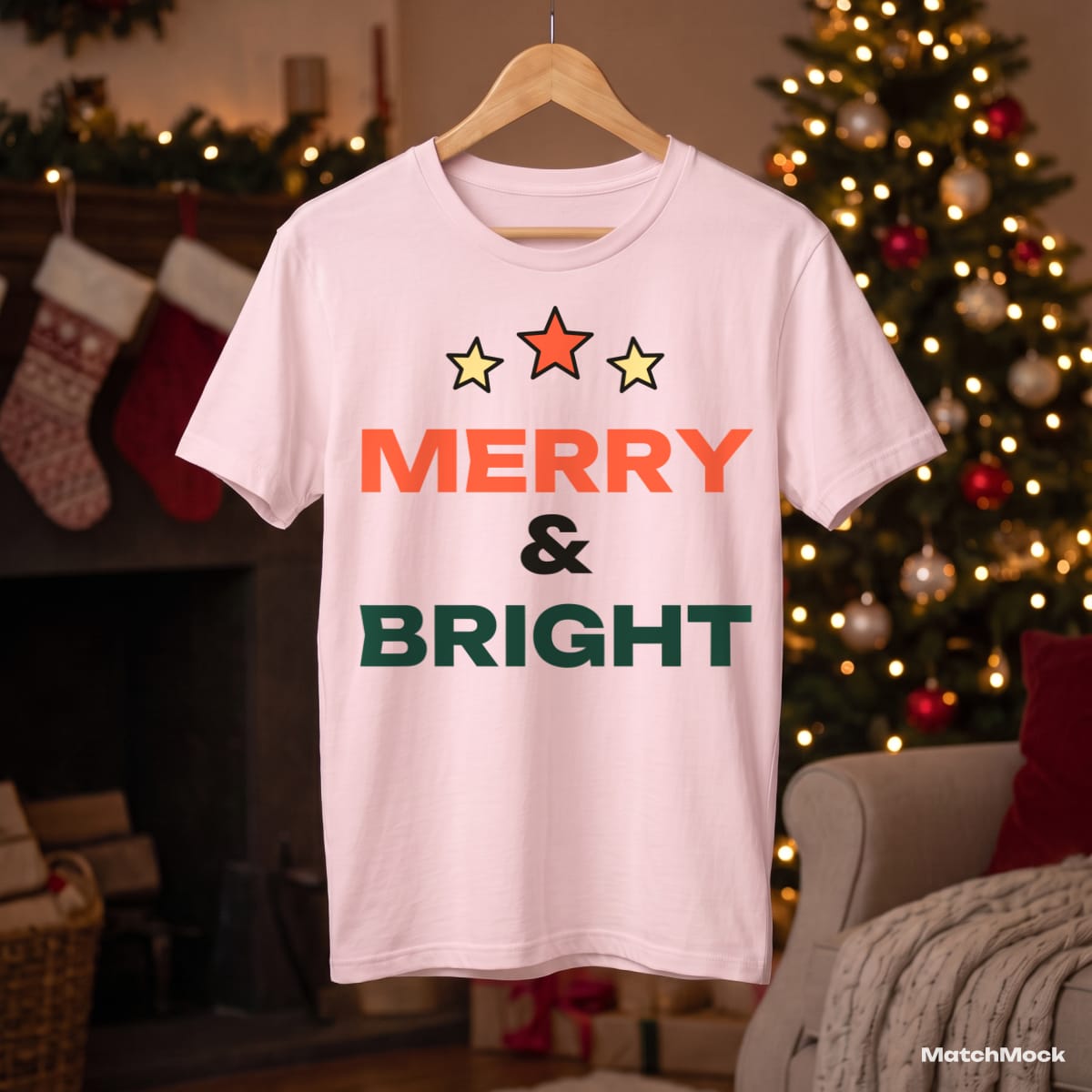
A shirt on a hanger reads as “ready to wear”. It hangs with a natural drape, the neckline sits right, and the background can tell a story: here, a living room with a lit tree and stockings over the fireplace.
Hanger shots are harder to fake than flat lays. The fabric curves away at the sides, so a flat design pasted on top looks wrong. MatchMock warps your artwork along those curves and lets the folds and shadows of the photo show through.
Use a hanging mockup as the second or third photo of a listing, after a flat lay, so buyers see both the full design and how the shirt falls.
Made with MatchMock
Real photos with our sample designs placed by the MatchMock engine, free-plan watermark included. Tap one to see it at full size.


Try it, no sign-up
Runs in your browser. Your file never leaves your device.
No design handy? Try one of ours:
How to do it, step by step
Add your designs
Upload PNGs or a ZIP. Each design appears as a column in the matching table.
Pick hanger shots
Filter the library to hanger shots and choose the shirt colours you sell.
Set the print position
On a hanger the chest sits a little lower than on a flat lay. Drag the design into place in the large preview and save the spot for every hanger shot.
Match and download
Tick the pairs you want, then download everything as one ZIP. The images are rendered in your browser, so nothing waits in a server queue.
Questions
Does the design follow the drape of the shirt?
Yes. MatchMock bends the design with the fabric and keeps the photo’s folds and shading on top, so it looks printed rather than pasted.
Which colours are on a hanger?
The hanger shots on this page are blue, pink, orange and forest green. White, black, navy and maroon hangers are in the library too.
Can I save a different placement for hanger shots?
Yes. Save a placement and choose to apply it to this mockup only, to every hanger shot, or to all mockups.
Can I use hanging mockups on Etsy?
Yes, they are made for marketplace listings. Pro adds a 4:5 portrait size, which suits Etsy’s listing photos.
What does it cost?
The free plan costs $0 and needs no card: 20 images a month, up to 1500 px, with a small watermark and up to 5 designs per batch. Pro is $10 a month, or $72 a year ($6 a month): unlimited images, up to 3000 px including 4:5, no watermark and no batch limit.
Related mockup pages


Make your first set free
20 images a month on the free plan. No card needed.
Start free →